

I started July with a Seagull, a Laughing Gull…and I’m ending the July Squares, Perspective with a Seagull, a Laughing Gull. This was another moment I got down on my knees in the sand to capture a bird at eye level. He or she was a tricky one as he or she couldn’t make up his or her mind as to which way he or she wanted to go. The waves changed and started crashing up against him or her before he or she could retreat. It was a lot of patience and humorous to watch.

Close up of the non-breeding adult with the tongue sticking out. Photo was taken along the west coast of Florida at Fort Desoto Park on the shore of the Gulf of Mexico in January, 2020.
Day 31 – Squares – Perspective
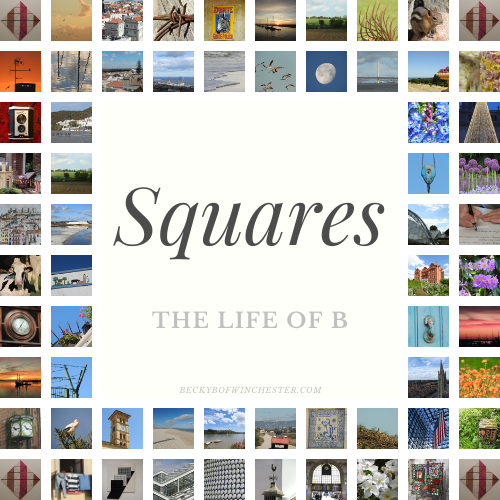
Click the panel below to visit Becky’s site and the July Squares Photo Challenge:

21 responses to “SQUAREs – Perspective – SeaGull”
Hi Lisa, glad to have met you during this challenge!
It was very nice to meet you as well. 😊
Brilliant photos
Thank you. 😊
oh this is such a wonderful capture, thank you for linking up with the beginning. Such a great way to end square perspectives
Thanks Becky! It was two different days, two different oceans. Had no idea when they would come in handy but both taken this year. Thanks again for an awesome Squares! 💜
Wonderful scenes
Thanks so much Becky! 🙂
I like its eye in the first image. It’s very expressive and thoughtful I think.
I try to capture the soul of the birds. 😊
Such stunning captures! Lovely…
Thank you so much! It’s my passion! 🙂
[…] There have been so many wonderful faces, opportunities to dance and joyful moments of confusion. […]
great job getting this photo; just wonderful with the water in the background… (and no alligators in sight…)
LOL! No gators this trip. My knees thank you for your comment! 🙂
I like your commitment!
😊 my knees don’t. 😂
but your readers do… 🙂
😊
Nicely arranged squares, Do you have any tips on how to make these designs?
If you are referring to the logo of squares, I didn’t create that. Becky who hosts the quarterly square challenge did. As a graphic designer, if I were to create it, I would start with a square outlines equally separated, create the large square in the middle, and then start placing my photos inside the square outlines. Once I was finished, I would delete my outlines. I would use CorelDraw, Illustrator or Photoshop. All would work. You might be able to use something like Word or PowerPoint, but it would be a lot harder to do as those are not made for graphics. Not really!